 by Ecrin Labs
A cyberdeck can make a compact computer feel like a personal object rather than a generic screen. Its appeal comes from the relationship between enclosure, keyboard, display and the way you intend to use it. A good-looking mockup still needs a practical plan for access and portability.
This is a visual planning guide, not an electronics assembly or battery-wiring tutorial. The original illustration is a concept, not a tested device or a parts list.
Define the task before the enclosure
Choose one main job: writing, using an existing terminal application, displaying a dashboard or practicing with a small keyboard. Then decide whether the deck will live on a desk or travel. A large enclosure may look striking while being inconvenient to carry.
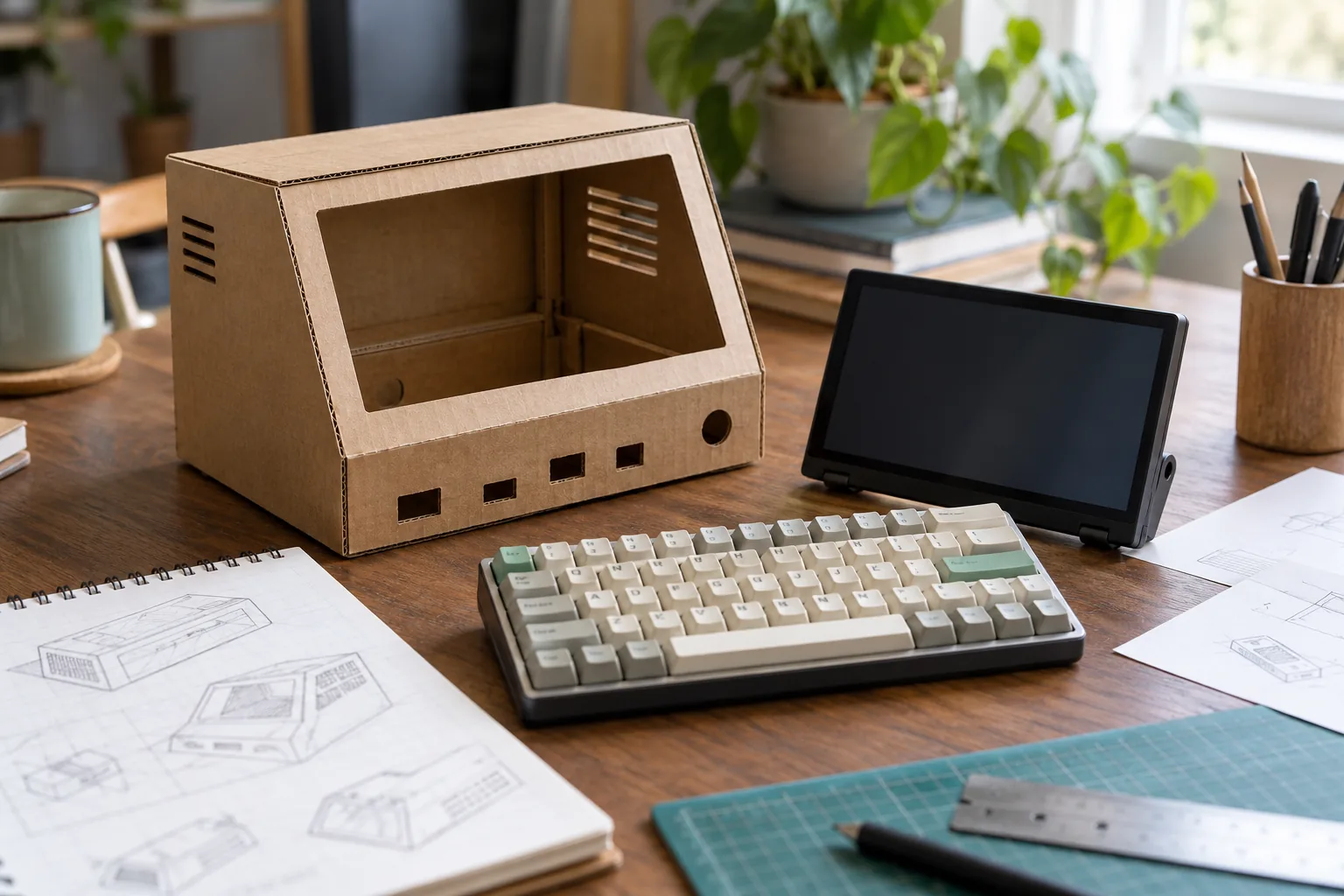
Make a cardboard mockup around the dimensions of the screen and keyboard you actually plan to use. Include cable ends, stand clearance and the space your hands occupy. Try the viewing angle before choosing a case.
Ten distinct visual directions
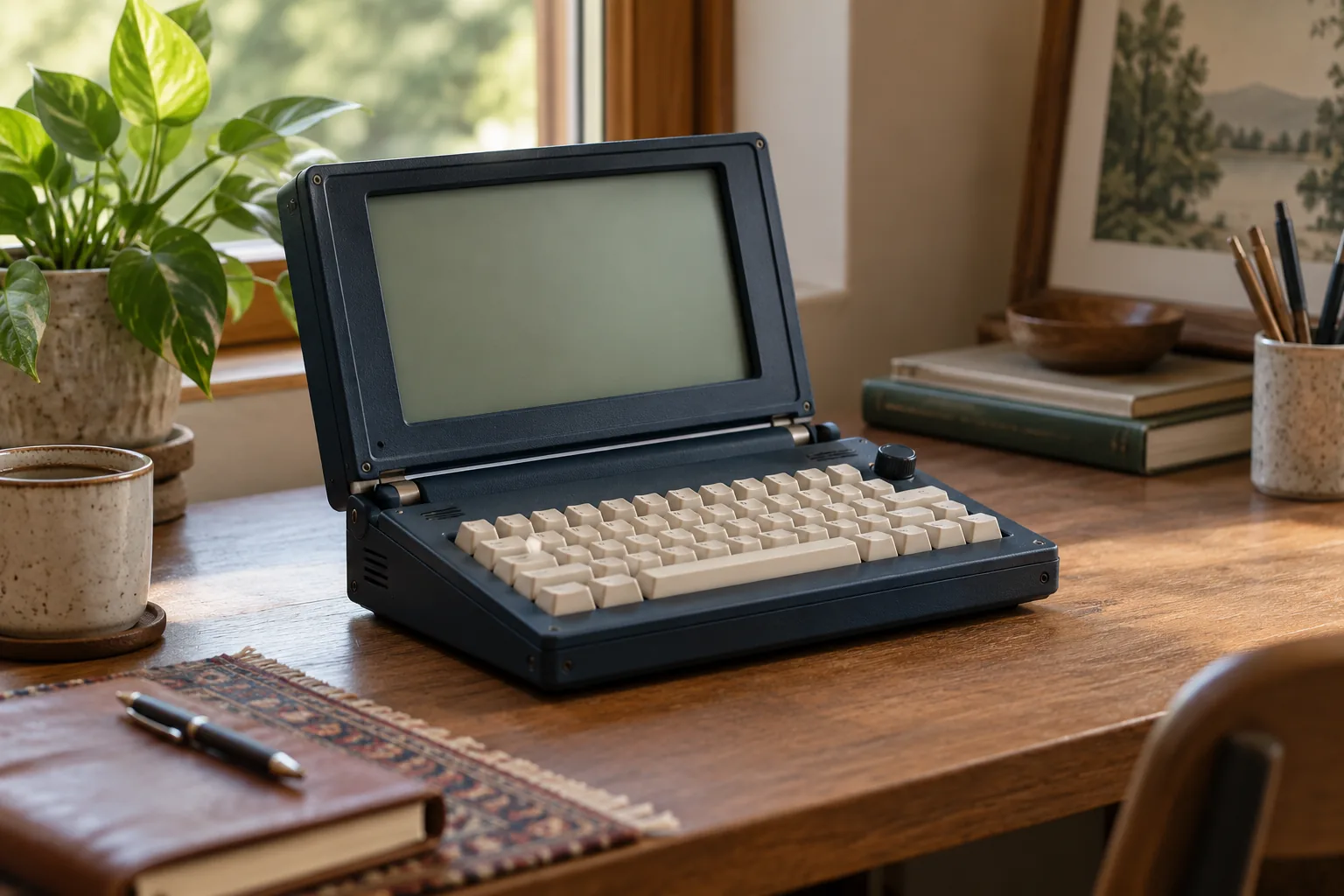
1. Folding field terminal: a rugged clamshell with an upright display. Keep the lower half spacious enough for comfortable typing.
2. Library terminal: a dark wood-toned surround and warm display palette. Use a removable desktop stand rather than a heavy portable shell.
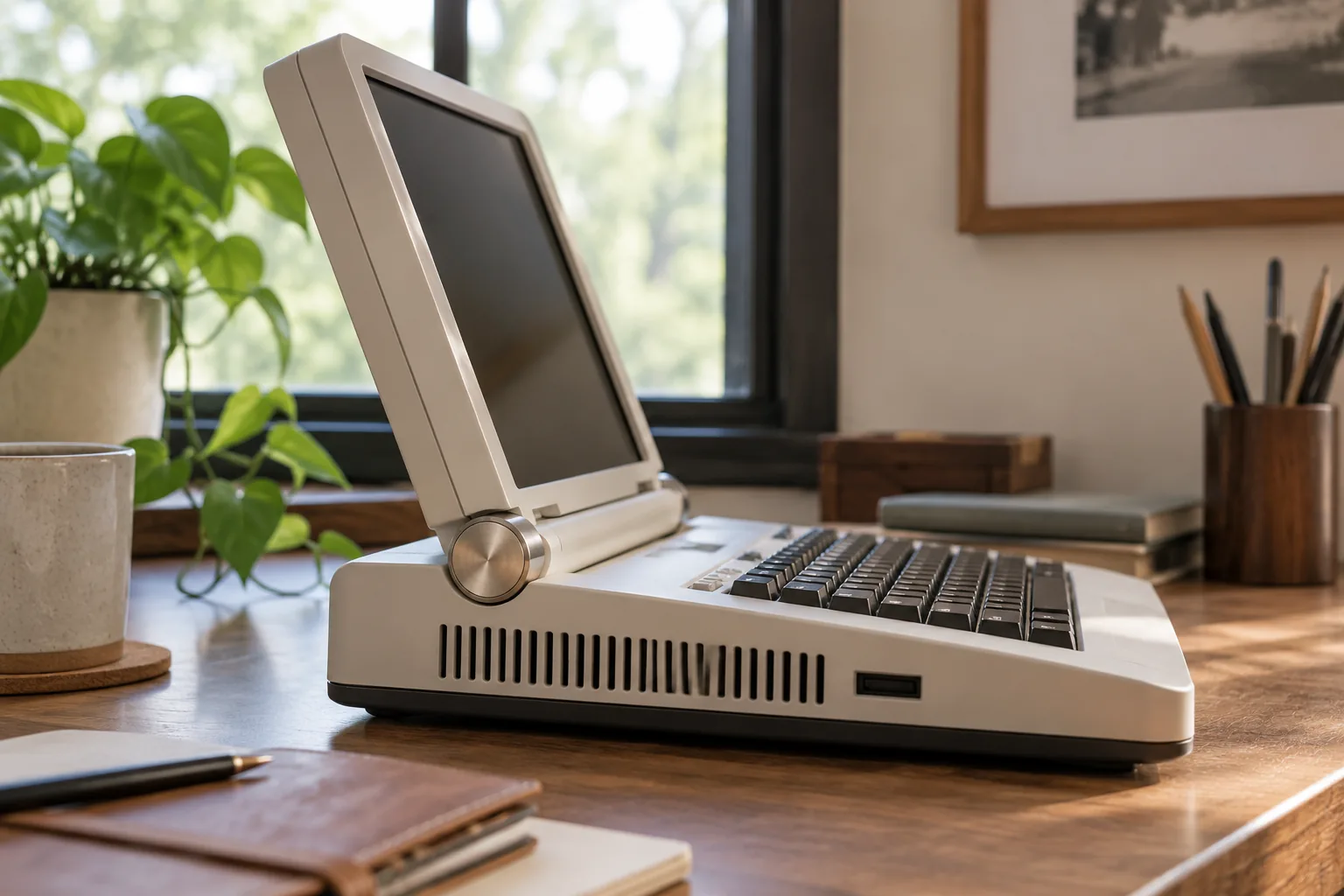
3. Cream retro console: an ivory case with a compact keyboard. Let the key spacing stay readable and avoid decorative controls without a purpose.
4. Transparent frame: show neatly arranged commercial components through a clear cover. Leave access panels and ventilation positions to the component instructions.
5. Small writing deck: pair a narrow screen with a keyboard you already enjoy. Prioritize stable support over a dramatic silhouette.
6. Angled wedge: a fixed sloping display above a flat keyboard. Check sight lines while seated at the intended desk.
7. Modular two-piece deck: separate the display stand and keyboard tray. It is easier to rearrange and does not require a custom hinge.
8. Soft carry-case setup: place separate devices in a padded organizer. Remove them for use instead of operating equipment inside closed padding.
9. Color-block desktop terminal: choose a single muted accent for keycaps and enclosure trim. Keep screen contrast independent of the decorative palette.
10. Vertical dashboard companion: a portrait display beside a normal workstation. A separate input device can keep the visible footprint small.
Check the practical details
Before ordering a shell, note every port that needs access and which cables must bend outside it. Use the power supplies specified for the devices. Do not improvise lithium battery packs or treat a visual concept as an electrical design.
For an actual build, follow the component makers’ mounting, cooling and power guidance. If the project requires skills you do not have, keep the first version modular and externally powered. Save your mockup photos alongside dimensions so the style ideas stay connected to a real use case.
Frequently Asked Questions
Is the pictured cyberdeck a working product?
No. It is an original AI-generated concept illustration.
Should I buy the case first?
Plan the actual components and make a full-size mockup before choosing an enclosure.
Does this guide explain battery wiring?
No. It covers appearance and layout; use manufacturer instructions for power and assembly.
 Trinket Shelf Ideas for Small Collections
 6 Small Gaming Room Setup Ideas for a Calm, Organized Space
 Warm Lighting Ideas for a Cozy Burrowcore Home